Every team wants to ship fast, but speed means little if users hit bugs on day one. Software testing lets you move quickly and keep quality high. This post breaks down the main testing types, what each one does, and how to build them into a strategy.
What Is Software Testing?
Software testing is the process of checking that an application behaves as expected, finding defects before users do. It covers functionality, performance, security, and usability across the whole development lifecycle.
Testing Types at a Glance
| Test Type | What It Checks | Speed | Best For |
|---|---|---|---|
| Unit | Single functions or components in isolation | Very fast | Catching logic bugs early |
| Integration | Modules, APIs, and databases working together | Fast to medium | Finding interface and data-flow issues |
| End-to-end (E2E) | Full user journeys through the app | Slow | Validating critical flows like checkout |
| Regression | That new changes don't break existing features | Varies | Every release |
| Performance | Speed, stability, and behavior under load | Slow | Before launches and traffic spikes |
| Security | Vulnerabilities and access controls | Medium to slow | Apps handling sensitive data |
Key Features of an Effective Testing Strategy
| Feature | Why It Matters | How to Apply It |
|---|---|---|
| Layered test levels | No single test type catches every bug | Combine unit, integration, and E2E tests |
| Test automation | Consistent, repeatable checks in minutes | Automate stable, high-value scenarios first |
| CI/CD integration | Fast feedback and blocked broken builds | Run tests on every commit and pull request |
| Maintainable test cases | Clear failures and easy updates | Descriptive names, one behavior per test |
| Reliable data and environments | Prevents flaky, untrustworthy results | Isolated environments, mocks for external services |
| Reporting and coverage | Shows gaps and trends | Use coverage as a guide, not a goal |
Manual vs. Automated Testing
| Factor | Manual Testing | Automated Testing |
|---|---|---|
| Speed | Slower, depends on people | Fast and runs on demand |
| Upfront cost | Low | Higher to set up |
| Long-term cost | Grows with the product | Drops as tests are reused |
| Best for | Exploratory, usability, and edge cases | Regression, repetitive, and load testing |
| Weakness | Human error, hard to repeat | Needs maintenance, misses "feel" issues |
A Clear Test Case Example
A good test is readable and checks one behavior:
test("applies 10% discount for orders over $100", () => {
  expect(calculateTotal(120)).toBe(108);
});
Best Practices
- Shift left: start testing while writing requirements and code.
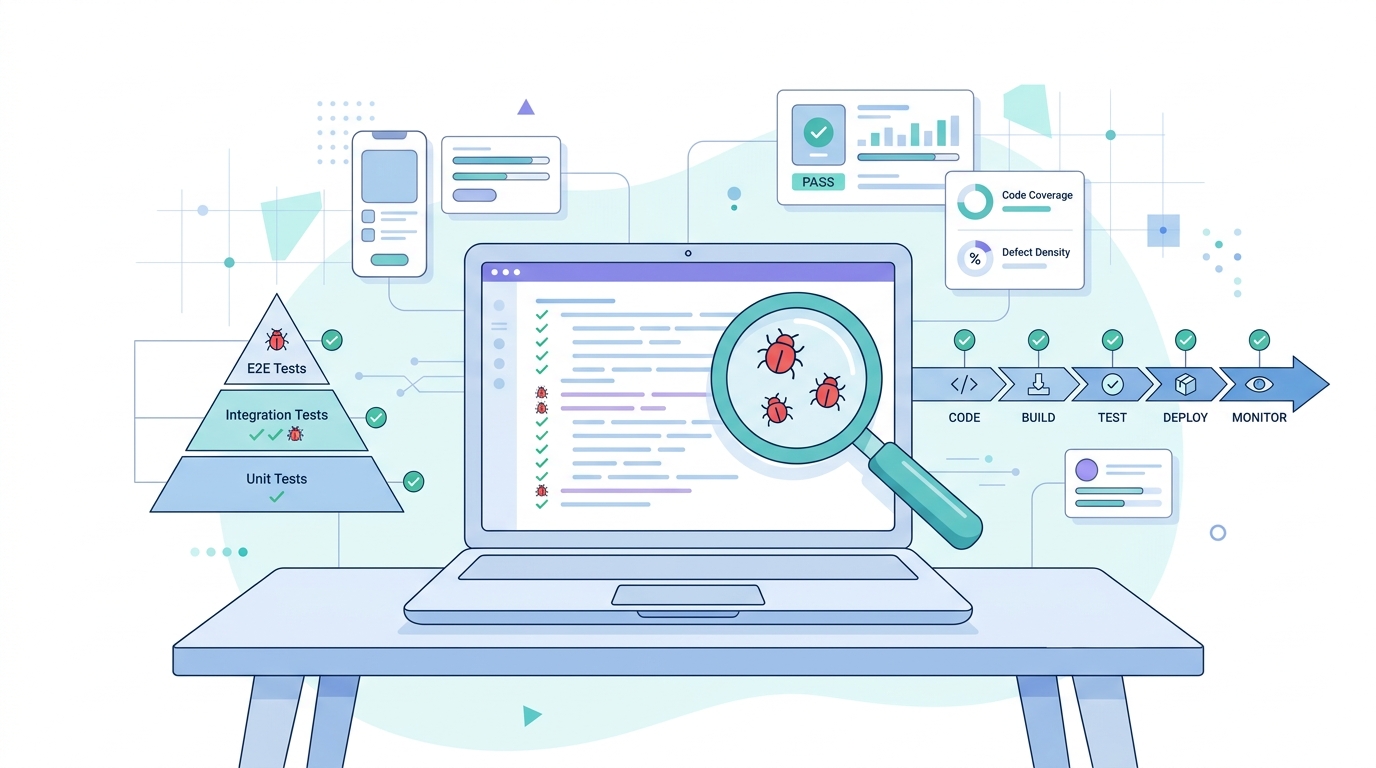
- Follow the test pyramid: many unit tests, fewer integration tests, a small number of E2E tests.
- Test behavior, not implementation: tests should survive refactoring.
- Fix flaky tests immediately: or remove them.
- Review tests like code: they deserve the same care.
Testing shows the presence of bugs, not their absence, so the goal is to reduce risk, not chase perfection.
Common Mistakes to Avoid
- Relying only on manual testing as the product grows
- Over-investing in slow, brittle UI tests
- Skipping tests under deadline pressure
- Ignoring failing tests instead of fixing them
Conclusion
A strong testing strategy combines layered test types, smart automation, CI/CD integration, and reliable environments. Start small, automate what matters most, and keep improving. Your team will ship with more confidence, and your users will notice.