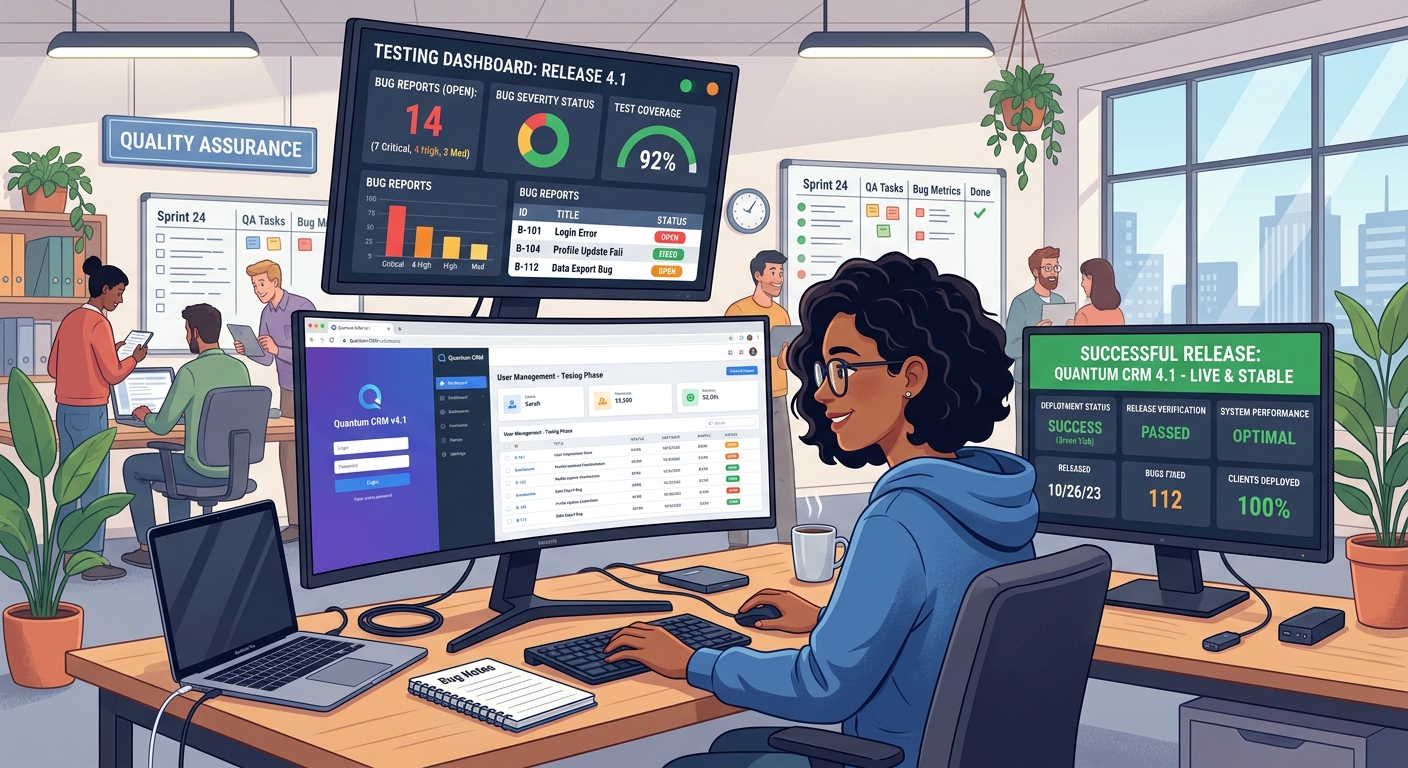
Delivering a high-quality software product requires more than writing clean code. Every website, mobile application, and software platform needs proper testing to ensure it works correctly, performs efficiently, and provides a smooth experience for end users. Software testing tools help developers and QA engineers identify bugs early, prevent unexpected failures, and improve overall product quality.
Why Are Software Testing Tools Important?
Without proper testing, even a small coding mistake can cause major problems for users. Broken features, slow loading times, security vulnerabilities, and compatibility issues can damage user trust and business reputation.
Using the right testing tools helps teams:
- Identify and fix bugs before releasing a product.
- Automate repetitive testing tasks and save time.
- Improve application performance and reliability.
- Verify that features work according to requirements.
- Reduce development costs by detecting issues early.
- Deliver a more consistent user experience across devices and browsers.
Top Software Testing Tools Every Team Should Know
1. Selenium — Automated Browser Testing
Selenium is a popular open-source tool for automating web browsers. QA engineers can use it to test website functionality, simulate user interactions, and verify that important features work across supported browsers.
Best for: Automated functional and regression testing of web applications.
2. Playwright — Reliable End-to-End Testing
Playwright enables developers to automate browser interactions and test complete user journeys. It supports multiple browser engines and offers features such as auto-waiting, screenshots, and test tracing to help teams investigate failures.
Best for: Modern web applications, end-to-end testing, and cross-browser validation.
3. Cypress — Frontend Application Testing
Cypress is designed for testing web applications and provides an interactive environment for debugging test failures. Developers can inspect application behavior while testing user actions, page navigation, and frontend functionality.
Best for: Frontend component and end-to-end testing.
4. Postman — API Testing
Modern applications depend on APIs to exchange data between the frontend and backend. Postman helps developers send API requests, validate responses, test authentication, and check error handling before users encounter problems.
Best for: REST API testing, integration checks, and API workflow validation.
5. JUnit and Jest — Unit Testing
Unit testing checks individual functions, methods, and components to confirm that they behave as expected. JUnit is widely used in Java projects, while Jest is commonly used in JavaScript applications.
These tools help developers catch logic errors early and make code changes with greater confidence.
Best for: Testing individual code units and preventing regressions.
6. JMeter — Performance and Load Testing
An application may work correctly for one user but struggle when hundreds or thousands of users access it simultaneously. Apache JMeter helps teams evaluate performance under different workloads and identify potential bottlenecks.
Best for: Load testing, performance testing, and capacity evaluation.
7. Jira — Bug Tracking and Test Management
Finding bugs is only one part of the testing process. Teams also need to record issues, assign responsibilities, track progress, and verify fixes. Jira helps development and QA teams organize work and maintain visibility into reported problems.
Best for: Bug tracking, issue management, and team collaboration.
How to Build an Effective Software Testing Workflow
Using individual tools is helpful, but combining them into a structured workflow produces better results.
- Understand the requirements: Identify the expected behavior of every important feature.
- Write unit tests: Validate individual functions and components during development.
- Test APIs: Verify responses, authentication, data validation, and error handling.
- Automate user journeys: Use browser automation to test critical workflows from beginning to end.
- Track and prioritize bugs: Record issues, assess their severity, and assign them to the appropriate team members.
- Run regression tests: Check that new changes have not broken existing functionality.
- Test performance: Evaluate speed, stability, and behavior under expected workloads.
- Verify fixes before release: Retest resolved issues and perform final acceptance testing.
Manual Testing vs. Automated Testing
Both manual and automated testing play important roles in software quality assurance. Manual testing is useful for exploratory testing, usability checks, and scenarios that require human judgment. Automated testing is especially valuable for repetitive checks, regression testing, and frequent software releases.
The best approach combines both methods according to the product's requirements, risk level, budget, and release schedule.
Best Practices for Reducing Bugs Before Launch
- Start testing early instead of waiting until development is complete.
- Prioritize critical features and high-risk user journeys.
- Include positive, negative, and boundary test cases.
- Test on relevant browsers, devices, and screen sizes.
- Integrate automated tests into continuous integration workflows where practical.
- Keep test cases updated as product requirements change.
- Review user feedback and production errors after release.
Conclusion
Software testing tools are essential for building dependable digital products. Selenium, Playwright, Cypress, Postman, JUnit, Jest, JMeter, and Jira each support different parts of the quality assurance process. Choosing the right combination helps teams find defects earlier, reduce avoidable errors, and release software with greater confidence.
However, no single tool can guarantee a completely bug-free product. Consistent testing, clear requirements, effective communication, and continuous improvement are equally important. By making testing part of the entire development lifecycle, teams can deliver safer, more stable, and more satisfying experiences to end users.